
A completely free arcade realism arena shooter with an action movie schtick
Download and play for free Check out the AQ2 Pro Add-on
EVENTS
Nov 25
🇸🇪 12:00 CETAQ2Open Meet-and-greet, drinks, food, etc
Nov 26
🇸🇪 12:00 CETAQ2Open @ SPACE
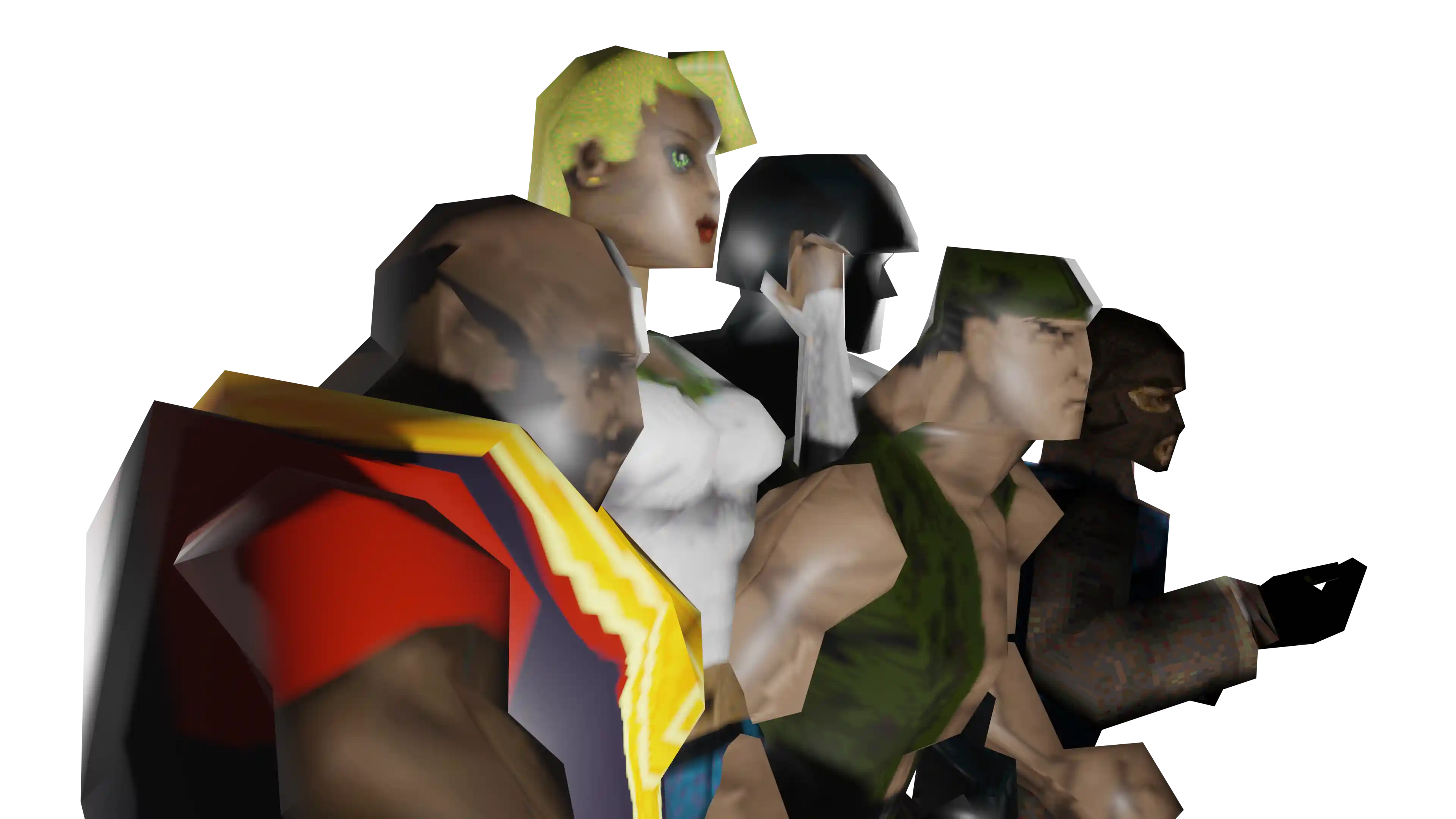
It's better than buying a movie ticket
Considered as the precursor to Counter-Strike, Action Quake 2 was originally developed in 1998 to recreate the look and feel of an action movie, having a fast pace and a semi-realistic damage system. It features many maps recreating realistic settings, such as city streets and office buildings, with a balanced range of weapons and equipment inspired by action films. Polished and prepared for modern re-release, we're inviting everyone to revisit what we call Aqtion!
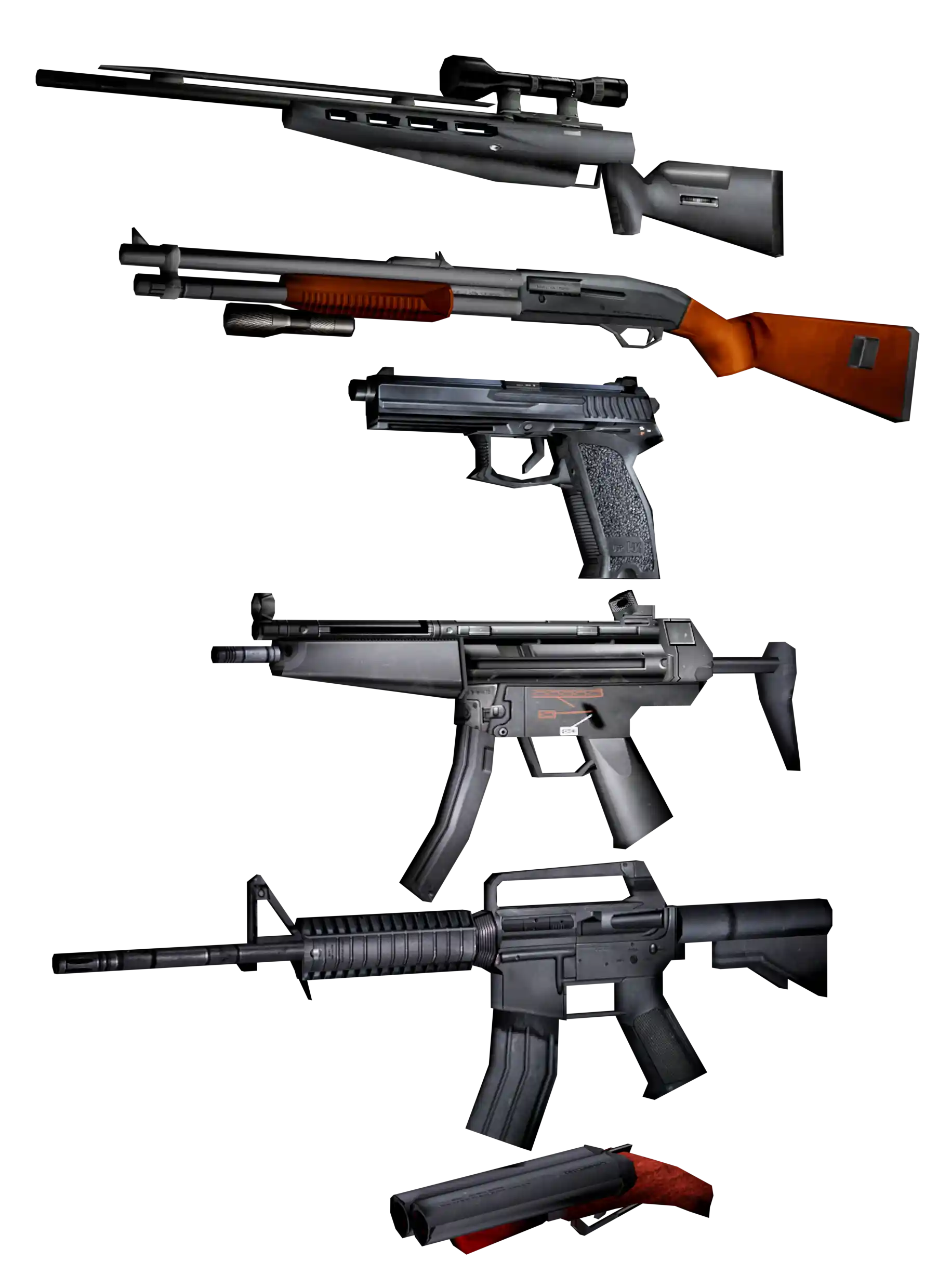
A deadly arsenal awaits you
A collection of modern weapons is available to players which can further be accessorized with items such as laser sights and silencers. Combatants can also outfit themselves with kevlar vests, helmets and stealth slippers. You'll need all of these items to deal with a localized damage system that can cause bleeding, criple movement and require bandaging in order to get back to the fight.
- Combat Knife
- MK23 Pistol(s)
- M4 Assault Rifle
- Handcannon
- SSG Sniper Rifle
- MP5/10 SMB
- Shotgun
- Grenades
There's six ways to play
Deathmatch

Spawn points are distributed over most of the map, and by default players battle out with only pistol, and a combat knife in a free-for-all fashion in an attempt to get the most kills possible. The map changes when one of two conditions is met: either the time or frag limit is reached. Additional "unique" equipment can be picked up throughout, meaning that only one exists on that map at any time.
Capture the Flag
You will have to team up with other players and manage your offense and defense in pursuit of bringing the enemy's flag to your base in order to score. The team that captures the enemy flag the most wins!
Teamplay
Players are split into two teams and play is round based. Players select one primary weapon and one item to use, in addition to the default pistol and knife. The teams spawn on opposite sides of the map and are then let loose to kill each other. If one team eliminates the other, they win the round.
Team Deathmatch
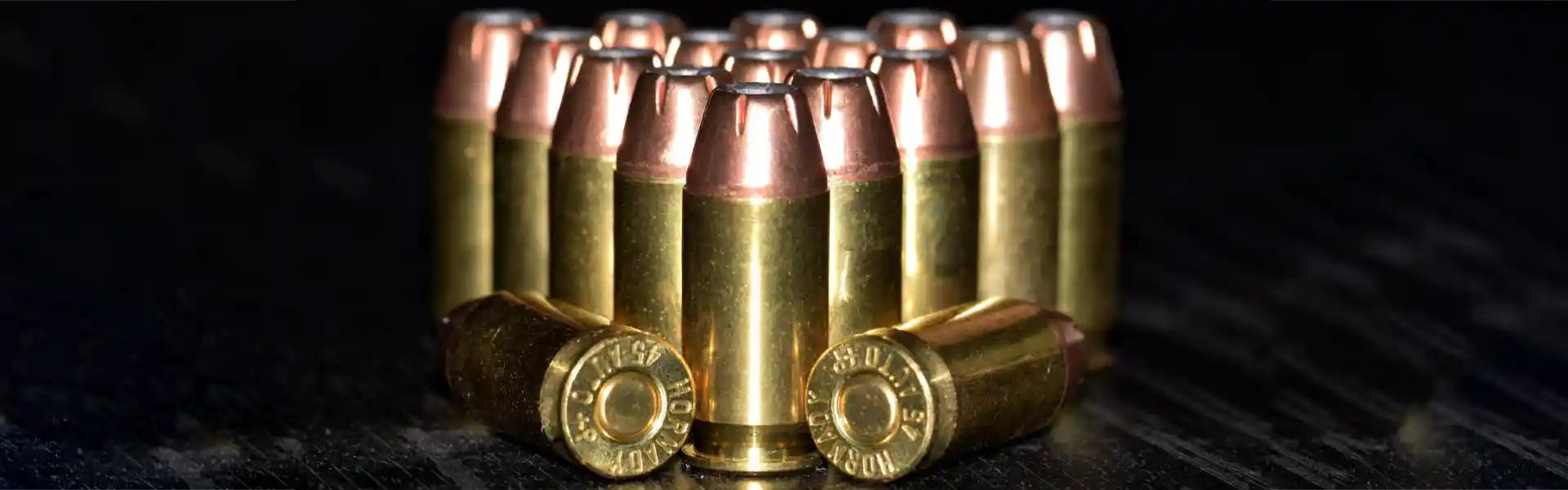
Like Deathmatch but with teams, spawn points are distributed over most of the map, and by default players battle out with only pistol, and a combat knife in a free-for-all fashion in an attempt to get the most kills possible. The map changes when one of two conditions is met: either the time or frag limit is reached.
Play Offline
Engage in battle against bots that will challenge your skills both with and without using your network connection. You can adjust their capability as well as select from several game modes.
Espionage

Similar to teamplay mode, with the exception that the team points are awarded based on successful completion of a scenario. Players also respawn periodically, a fixed amount of time, if a certain amount of members of the team are dead, or instantly. Scenario types CNH, CTB and OFC are continuous play, as in there's no 'end' to a round until the roundlimit or timelimit is reached. The others types rounds end when an objective is met.
An epic, long-lived & open-source community
Created in 1998 and played ever since, Aqtion features a unique community playing on a very wide range of devices. There's also a rich ecosystem of supporting projects, websites, teams, players and ongoing events. Developers can volunteer and extend the project which is hosted on GitHub. Use this starting point to explore the world of Aqtion and make sure you come by the official Discord to connect with others!


Join a populated game server right now
- 🇸🇪 AQ2WORLD (SWEDEN #2) RANKED PICKUP - 11/30 - revolution
- 🇺🇸 AQ2WORLD TEAMPLAY [US] [TP] [BOTS] - 8/18 - torabora
- 🇺🇸 FEAST OF FRAGS [US] [DM] [BOTS] NEW ROTATION - 6/18 - grad
- 🇫🇮 $ PELITUKKA 1 RELOADED (TEAMPLAY) - 2/18 - riot
- 🇺🇸 TASTYSPLEEN.NET::AQ2-FFA - 1/24 - 187city
- 🇺🇸 TASTYSPLEEN.NET::AQ2-TDM - 1/24 - act2r
- 🇦🇺 MACANAH.MOOO.COM Q2 ACTION - 1/36 - mnhq2action2